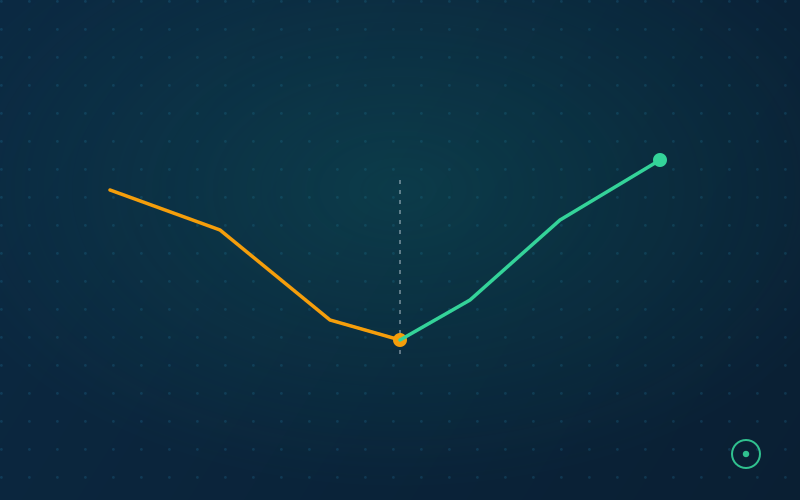
Content decay is a familiar SEO problem. Refreshing content you already own is often more cost-effective than writing net-new content — here is a grounded 3-step protocol.
Content decay is a familiar problem in SEO: pages that ranked well a few years ago naturally slide down the results as competitors publish fresher, more comprehensive answers. Refreshing content you already own is often more cost-effective than writing net-new content to replace lost traffic.
What a Real Refresh Typically Changes
Applying a content refresh framework to a decaying page usually means changing more than the visible date. A representative before/after for a guide that's fallen out of date:
Before
- Title still references an old year or a deprecated tool (e.g., "in 2024," or Universal Analytics after its sunset).
- Heavy, undifferentiated text blocks — no tables, lists, or scannable structure.
- Only H2s used throughout; no clear sub-topic breakdown.
- No named author, no publication or update date visible.
After
- Title and references updated to current tools and terminology.
- Step-by-step structure, tables where they aid scanning, and a downloadable checklist.
- H2/H3 hierarchy that maps to how readers actually search the topic.
- Named author with a real bio, and an accurate, visible
dateModified.
The 3-Step Refresh Protocol
Step 1: Identify Decay Candidates
Open Google Search Console. Compare the last 3 months of data to the same period last year. Filter for pages that have lost a significant share of their clicks but still maintain high impressions (typically ranking positions 6-15) — that combination usually means the page is still relevant to the query but has slipped in quality relative to what's now ranking above it.
Step 2: Analyze the New Intent
Search intent shifts over time. A query that used to demand a long-form guide might now be better served by an interactive tool, a video, or a much more concise answer. Look at what format the current top 3 ranking pages use, and match or exceed it.
Step 3: Update the "Freshness" Signals
Changing only the publish date without substantively changing the content is a well-known, ineffective shortcut — Google's systems are generally understood to evaluate actual content change, not just a timestamp. Make a meaningful, substantive revision: add new information, update screenshots and examples, remove outdated sections, and actively promote the refreshed URL to encourage a re-crawl. Before you promote it, run the URL through our Noindex Checker — refreshed pages occasionally go live still carrying a noindex tag left over from a staging environment, silently wasting the entire refresh.
How Often Should You Refresh?
There is no universal cadence — it depends on how fast the topic moves. As a starting rule of thumb:
- Fast-moving topics (algorithm updates, tool comparisons, pricing pages): review every 3-4 months.
- Evergreen how-to content: review every 9-12 months, or immediately after any Core Update that visibly moves your rankings.
- Data-driven or statistics pages: refresh the moment newer, citable data becomes available — these pages lose relevance fastest and are also the ones most likely to be cited or linked to when current.
Build a standing quarterly calendar reminder to re-run the Step 1 decay audit above. Content refresh is not a one-time project; it's a maintenance cycle that should run continuously alongside net-new publishing.
Track refreshed URLs separately in your reporting so you can demonstrate the impact of maintenance work to stakeholders who default to valuing net-new content over updates to what already exists.