To add a website to SearchVitals:
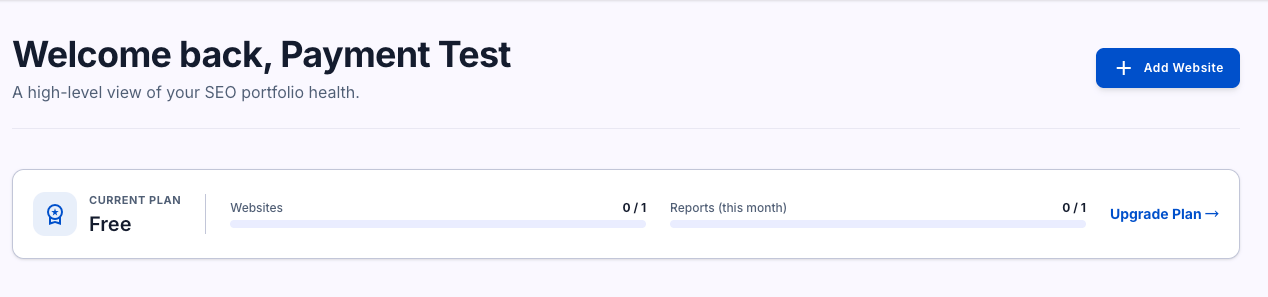
- From the Dashboard, click Add Website.
- Enter a name for the site and its URL, then submit.
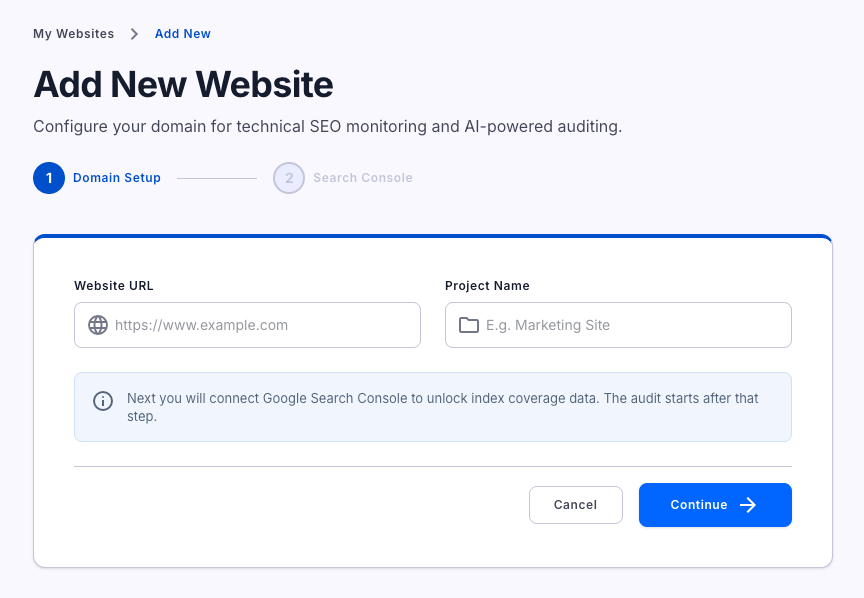
- SearchVitals immediately starts discovering the site — fetching the homepage and mapping its navigation structure. This usually takes 10–20 seconds.
- Once discovery finishes, you'll land on Step 2 of 2: Search Console, where you can connect Google Search Console or, on paid plans, skip it for now.
- As soon as setup finishes, SearchVitals automatically starts your first full audit.
On the Free plan, connecting Search Console isn't optional — it's how SearchVitals confirms you actually own the site, since Free-plan sites can't be audited without that ownership check. Paid plans can skip verification and audit any site.
Each plan has a website limit (Free: 1, Basic: 1, Growth: 3, Pro: 5). If you're at your limit, adding a new site will prompt you to upgrade.